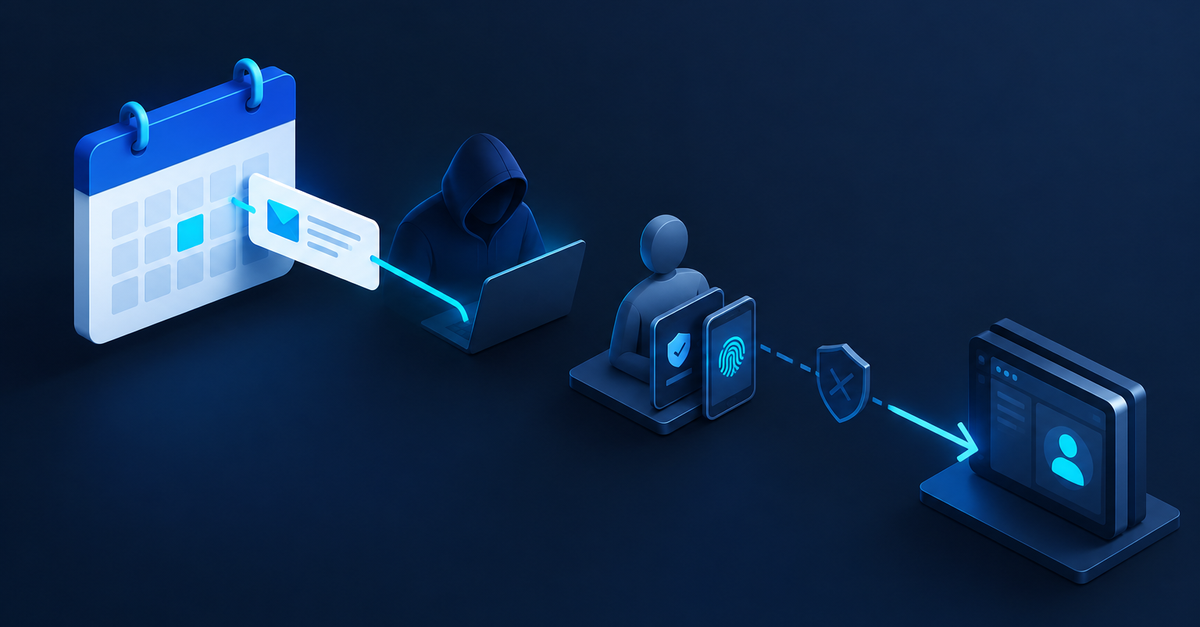
Practical takeaway: a phishing campaign that abused Google Calendar invites could take over corporate Google sessions and get past multi-factor authentication. If your team uses Google Workspace, treat unexpected calendar invitations with suspicion and check how your sign-ins are protected this week.
What happened
BleepingComputer reported that a phishing campaign used Google Calendar invites, trusted redirects, and fake login pages to hijack corporate Google sessions and bypass MFA protections. In other words, the attackers did not need to defeat the security step that most businesses rely on most. They went around it.
The campaign is described in the report as Operation CloudFire. According to the same report, Material Security examined how the attackers were tracked, how malicious messages were blocked, and how nearly 900 domains used by the attackers were taken down.
The lesson for small businesses is not that calendars are dangerous by nature. It is that a password plus a second factor is not the whole story. A session is a sign-in that already exists. If an attacker can hijack a session, they may be able to act inside an account without ever typing the password or the code on their own screen. Attacks that use a legitimate-looking invite and a trusted redirect are designed to make a click feel routine.
Most small teams are busy, and calendar invitations feel harmless. That is exactly why they are useful to attackers. The good news is that you do not need a security department to reduce your exposure. You need a few clear habits and someone who knows what to do when something looks wrong.
Three steps to take this week
- Set a simple rule for unexpected invitations. Ask everyone on your team to pause before opening a calendar invite from a sender they do not recognize, especially one that asks them to sign in, verify an account, or open a link. A calm check, such as confirming the meeting by phone or by a message to a known colleague, costs very little.
- Review active sessions and devices. Within your Google Workspace admin settings or your own account security page, look for devices and sessions that nobody recognizes. Sign out of anything suspicious, and remove access for former staff, old contractors, and tools that your business no longer uses. Doing this once a month is a reasonable habit.
- Write down who to tell and what to do. Put one short message in your team chat or handbook that answers three questions: who should be told if someone clicked a link or entered a password, who can change account access quickly, and who to call for outside help. Teams that have this written down in advance usually respond faster, and speed matters when a session may already be in someone else’s hands.
Why this matters for your business
You do not have to be a large company to be targeted. Attackers often look for small organizations because their accounts are less monitored and their staff are stretched. A short, honest conversation this week about invitations, sessions, and reporting will do more good than a long policy nobody reads.
If you suspect an account has already been compromised, act quickly. Change the password, sign out active sessions, and contact your IT provider or a security professional you trust. Do not wait for a perfect diagnosis before you start protecting the rest of your team.
Security is rarely one big decision. It is a series of small, repeatable habits, and the sooner they are in place, the harder it becomes for a convincing invite to do real damage.